If you work with vinyl cutters, decals, or sign-making projects, having the right software can make a huge difference. Many tools in this space are either too complex or locked to specific machines. That’s where EasyCutStudio steps in. It promises a balance between ease of use and professional-level features—without a recurring subscription.
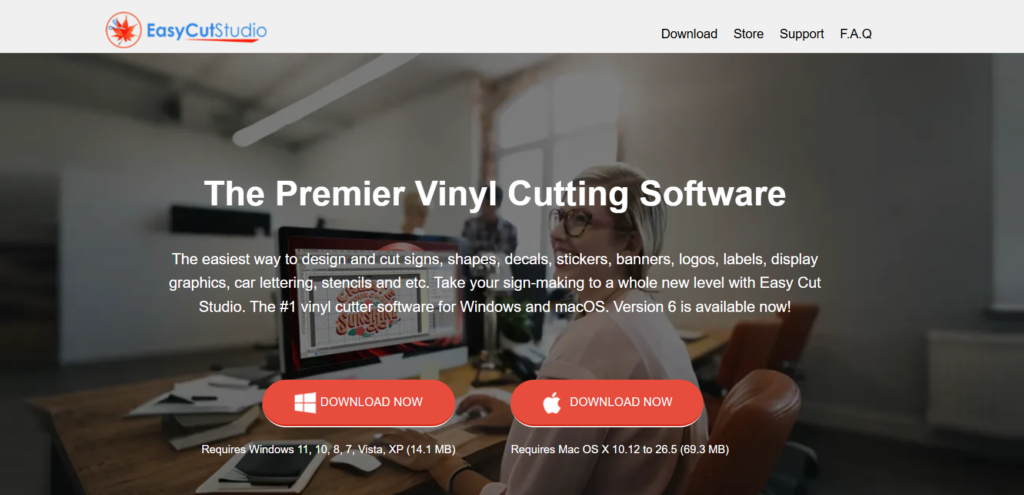
In this review, we will break down everything you need to know about EasyCutStudio, including its features, pricing, usability, and whether it’s worth your money.
What is EasyCutStudio?
EasyCutStudio is a design and cutting software created for vinyl cutting machines and plotters. It allows users to design graphics, convert images into cuttable files, and send them directly to a cutter.
The tool is widely used for creating:
- Stickers and decals
- Sign boards and banners
- T-shirt designs
- Labels and stencils
It supports both beginners and experienced users by combining a simple interface with advanced editing tools.
Key Features of EasyCutStudio
1. Beginner-Friendly Interface
One of the strongest points of EasyCutStudio is its clean and simple interface. You don’t need prior design experience to get started. You can drag, drop, resize, and edit elements easily.
Even basic tasks like adding text or shapes can be done in a few clicks, which makes it ideal for beginners.
2. Wide Cutter Compatibility
Unlike many tools that only support one brand, EasyCutStudio works with hundreds of vinyl cutters and plotters including popular brands like Roland, Graphtec, and US Cutter.
This flexibility is a big advantage, especially for small businesses using different machines.
3. Powerful Design Tools
The software includes a full set of design tools that allow you to create graphics from scratch:
- Node editing for precision
- Bezier curves and freehand drawing
- Text effects like arc, shadow, and outline
- Welding and merging shapes
- Layer-based design system
These features help users create professional-quality designs without needing extra software.
4. Image Tracing (Vector Conversion)
EasyCutStudio can convert images (JPG, PNG, etc.) into vector paths. This means you can take any image and turn it into a design ready for cutting.
The tracing process is fast and accurate, making it easy to reuse existing artwork.
5. Print & Cut Functionality
This feature is especially useful for sticker makers and crafters. You can print a design first and then cut around it using contour cutting.
It also allows you to adjust registration marks and cut lines for better accuracy.
6. File Format Support
EasyCutStudio supports a wide range of formats, including:
- SVG, PDF, AI, EPS
- PNG, JPG, BMP, GIF
This makes it easy to import designs from tools like Illustrator or export your work for other uses.
7. Advanced Cutting Controls
The software gives you full control over the cutting process:
- Cut preview before execution
- Weed lines for easy vinyl removal
- Overcut adjustments
- Multi-layer cutting
These features help improve accuracy and reduce material waste.
Performance & User Experience
In real use, EasyCutStudio runs smoothly on both Windows and macOS systems. It is lightweight and doesn’t require a high-end computer.
Users often mention that:
- It’s easy to learn
- It works well even on older systems
- It performs reliably for everyday tasks
Overall, it strikes a good balance between performance and simplicity.
Pricing
One of the biggest advantages of EasyCutStudio is its pricing model.
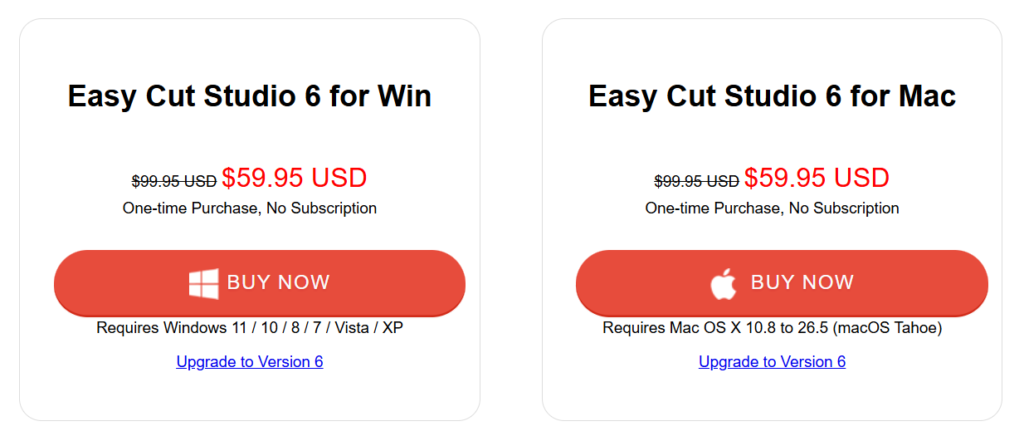
- Starting Price: Around $59.95 (one-time payment)
- Free Trial: Available
- Upgrade Cost: Optional for newer versions
Unlike many modern tools, there is no monthly subscription, which makes it a cost-effective choice in the long run.
Pros and Cons
✅ Pros
- Easy to use for beginners
- Supports a large number of cutters
- One-time payment (no subscription)
- Strong design and editing tools
- Works offline
❌ Cons
- Limited support for some newer cutters
- Customer support can be slow at times
Who Should Use EasyCutStudio?
EasyCutStudio is a great fit for:
- Small business owners (sign making, decals)
- Hobby crafters and DIY users
- Print shops and vinyl cutting professionals
- Students and educators
If your main goal is designing and cutting, this tool does the job very well.
Final Verdict
EasyCutStudio is a solid choice for anyone looking for affordable and reliable vinyl cutting software. It doesn’t try to overwhelm users with unnecessary complexity. Instead, it focuses on what really matters—designing and cutting with ease.
The combination of simple interface, strong features, wide compatibility, and one-time pricing makes it a practical option for both beginners and professionals.
While it may not replace high-end design tools, it excels in its niche. If you want a straightforward solution that works well without ongoing costs, EasyCutStudio is definitely worth considering.
Overall Rating: 4.5/5
A dependable and budget-friendly tool for vinyl cutting and sign-making.

